How to review reports on a matter
You can review the reports lawyers have submitted regarding a particular matter by visiting the “Matters” tab of your dashboard and looking at the matter cards. The last event reported by the attorney (or, in some cases, automatically logged by the Community.lawyer system) is displayed at the top level of a matter card: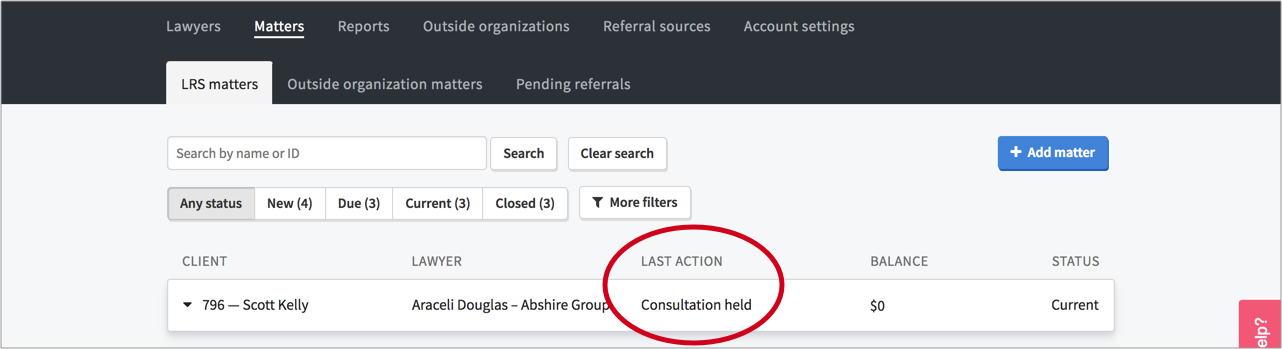
When you click the matter card and expand the "Reporting" section, you can see all submitted reports under the “Logs” section: