How to submit reports on a lawyer's behalf
Usually lawyers will submit reports on matters without any intervention or help from the portal administrator. However, you have the ability to submit reports on a lawyer's behalf if you elect to do so.
You can submit a report on a lawyer's behalf by visiting the Matters tab of your dashboard, clicking to expand the applicable Matter card, and clicking to expand the Reports subsection.
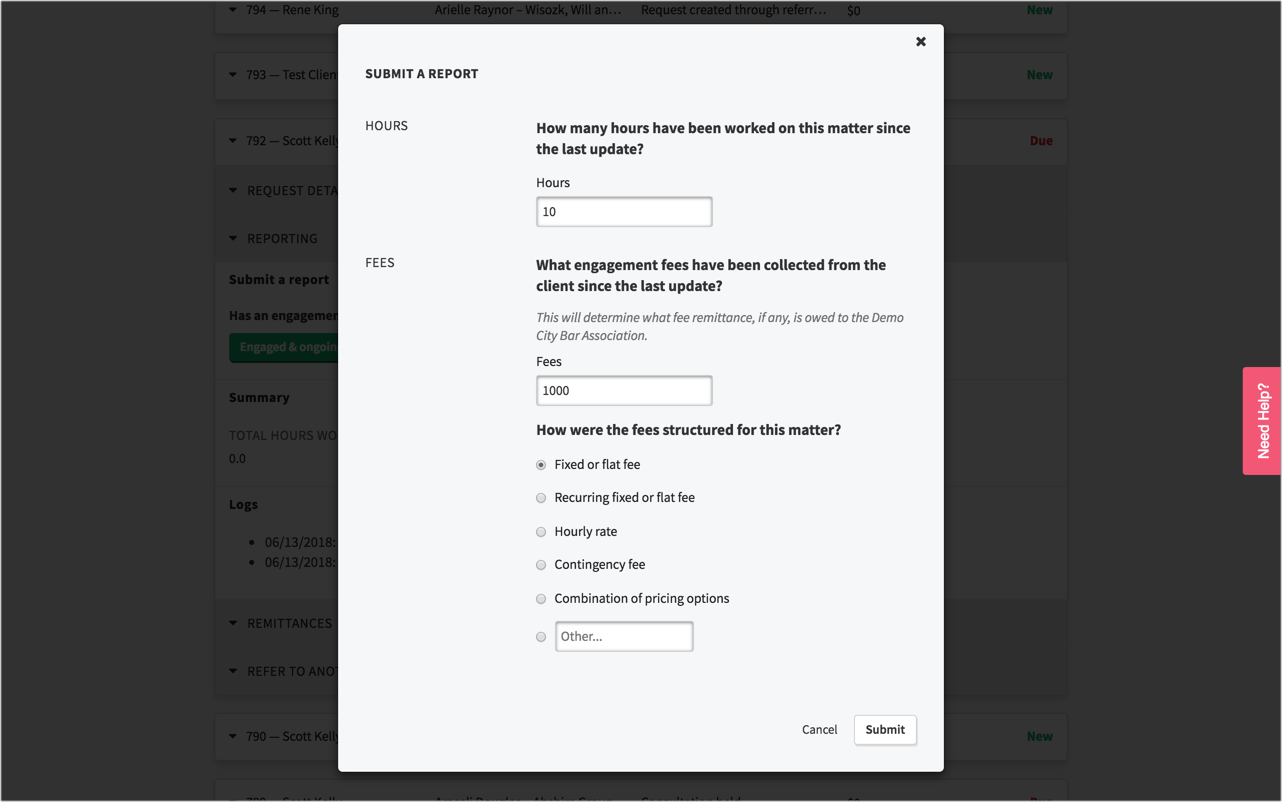
If the Matter's status is New, Current, or Closed, you will see a button under the "Submit a report" header that says "Click here to add an update". Click that button and you'll be presented with the reporting question(s). If the Matter's status is Due, you will immediately see the reporting question(s) under the "Submit a report" header: Sometimes when you answer a reporting question, that will trigger a popup modal with more in-depth questions. You must answer those and submit your responses in order to complete the report:
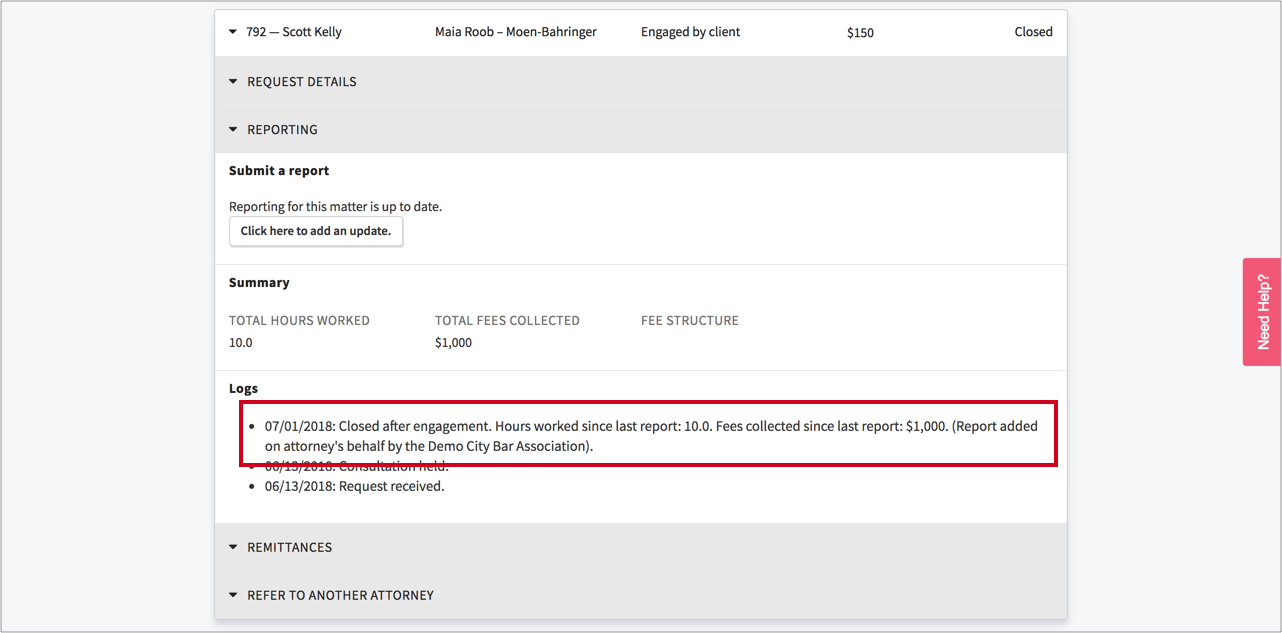
 When an administrator submits a report on a lawyer's behalf, a report log is created that includes a note that the report was submitted by an administrator (not the lawyer theirself):