How to edit a lawyer's legal services
You can edit a lawyer’s legal services by visiting the “Lawyers” tab of your dashboard, clicking on a lawyer, and going to the “Legal Services” section of their account.
To add a new legal service: You can add an entire panel by selecting the appropriate matter type (e.g. family, housing, immigration) and clicking the "Add" button beside it. Alternatively, you can add a specific subtype (e.g. divorce, eviction, asylum) by selecting a matter type and then a subtype within that mattertype and then clicking the "Add" button beside the subtype.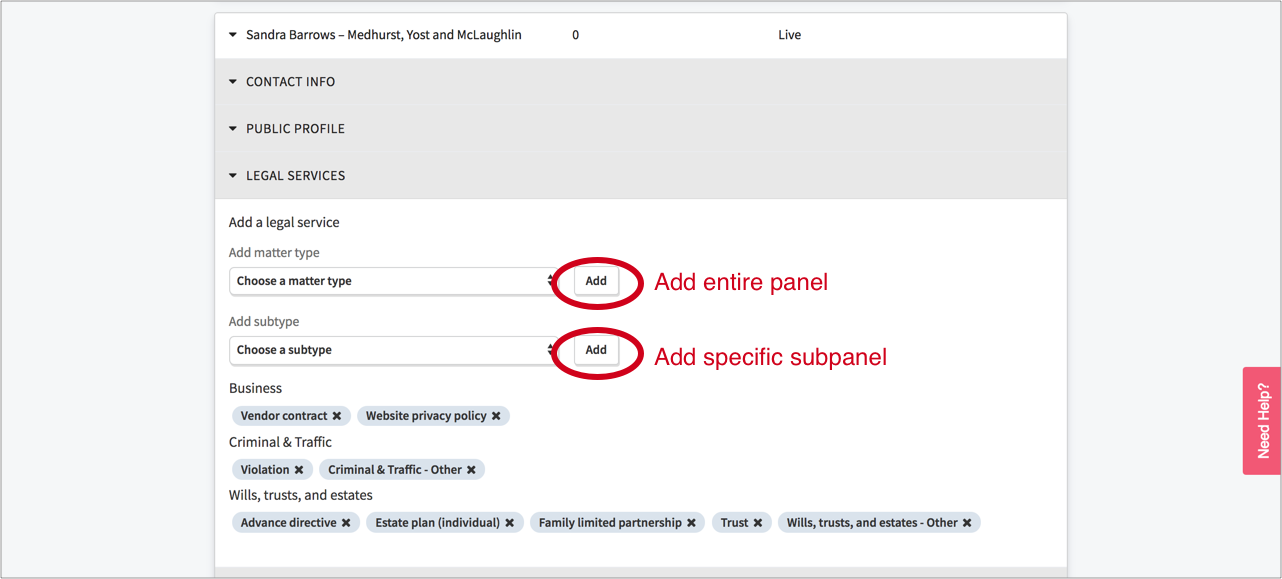
To remove an existing legal service: Click the “X” next to that legal service.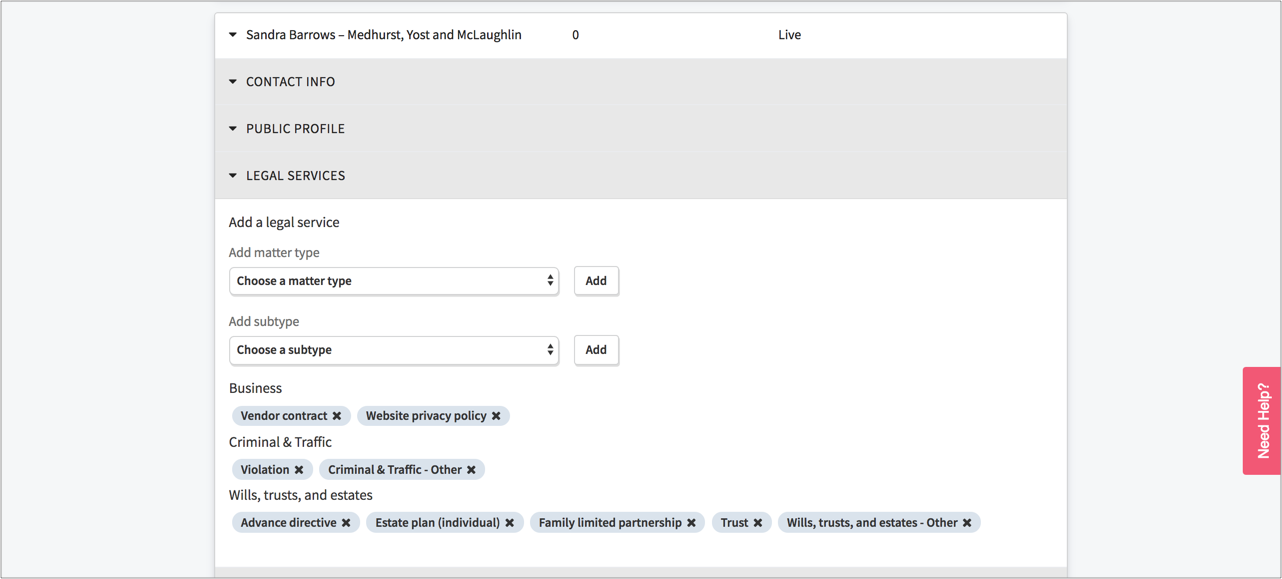
If your portal has one or more modest mean panels and has enabled the optional feature that allows people to self-screen for modest means panel eligibility during the online intake process: To add a lawyer to a modest means panel or subpanel, click the "Modest means?" checkbox and add the matter type or subtype you wish to list the lawyer for.