How to create outside organization profiles
When a member of the public is not suited for a referral to one of your panel attorneys, you can refer them to an outside organization (or to no organization at all) by using the Outside Organization Referrals feature.
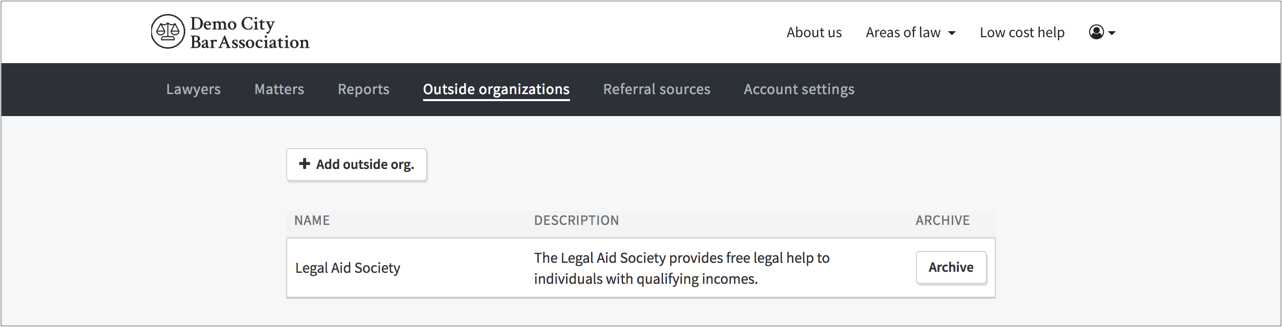
In order to start using that feature, you first need to create profiles for the outside organizations you want to refer to. To do so go to the Outside Organizations tab and click the Add Outside Org button:
Use the Outside Organization modal to populate relevant information about the organization, including (1) name, (2) contact information, and (3) public description. You can also associate keyword tags and locations with the outside organization and filter on those when making referrals:
Once you've finished entering information about the outside organization, click the Submit button and a profile is created for the outside organization: