How to toggle between self-referral and staff-review modes
If your portal has the functionality enabled, the administrator has the power to toggle the portal's online intake between self-referral and staff-review modes by checking and unchecking the "self-referral" box in the Account Settings tab:
Self-referral mode
In self-referral mode, members of the public can go through your portal's online intake, fill in their case and contact information, and view up to three profiles of attorneys who match their request criteria. The attorney profiles are on a strict rotation, and only the three attorneys who received a request the longest time ago are shown: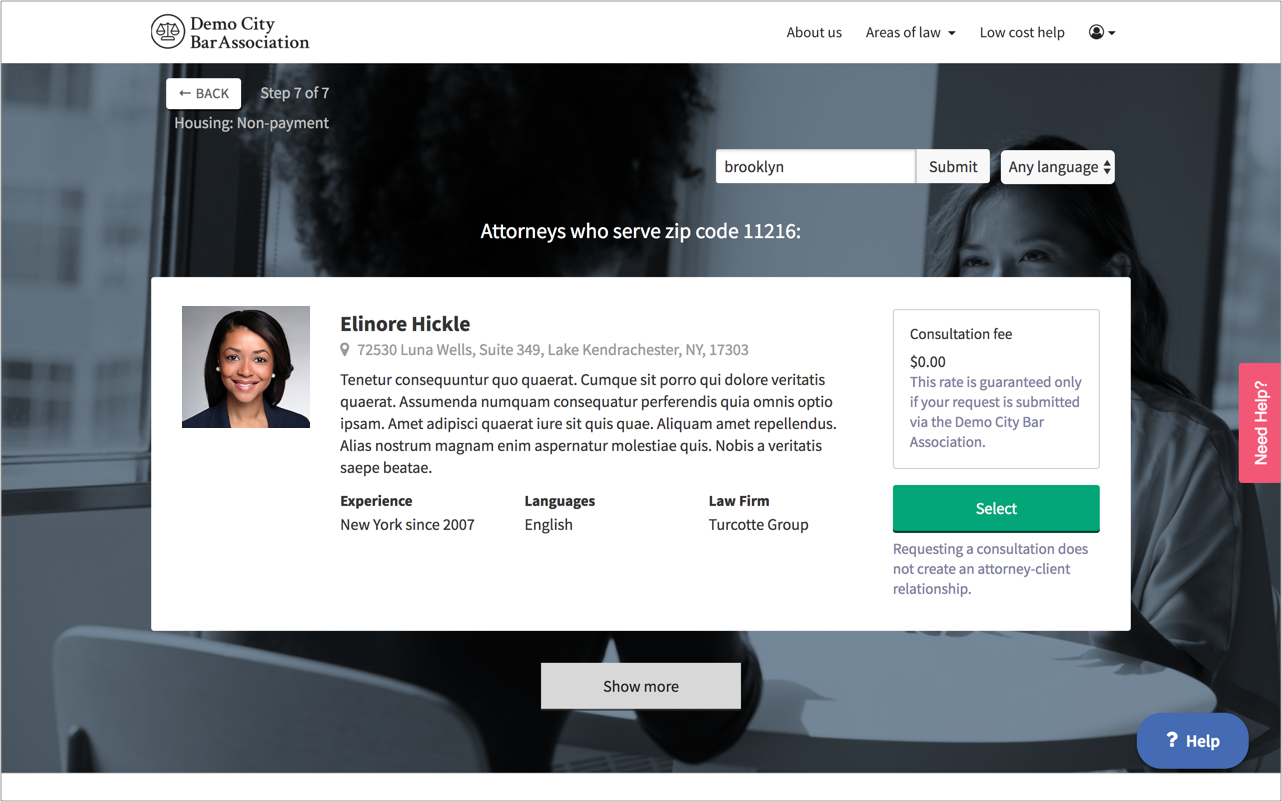
Staff-review mode
In staff-review mode, members of public can go through your portal's online intake, fill in their case and contact information, and submit a request for a referral. Administrators must then review the request and decide whether to refer the person to a panelist, an outside organization, or no one at all:
Some administrators keep their portal permanently in one mode. Others toggle their portal to staff-review mode during office hours, and self-referral mode during nights, weekends, and holidays. The right configuration for your portal will depend on various factors like staffing levels and jurisdictional rules.