How to create lawyer accounts
If your portal syncs with an outside database, you may not need to create lawyer accounts at all -- check with the Community.lawyer team to see if lawyer accounts propagate automatically. If your portal does not sync with an outside database, please read the walkthrough below.
When you want to create an account for a lawyer in your portal, go to the “Lawyers” tab on your dashboard and click “Invite a lawyer”.
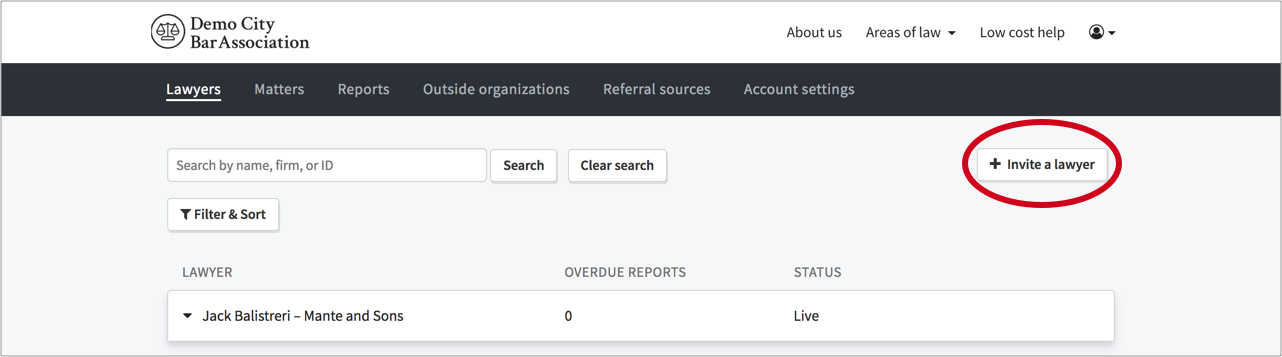
This takes you to the “Invite a lawyer” modal where you simply enter the lawyer's name, their email address, and (optionally) unique ID. Then you click "Send Invite".

Once you click “Send invite”, an email is automatically sent to the invited attorney with instructions on how to log into their new account. Meanwhile, a lawyer account is created within your system and the card for that lawyer appears at the top of the "Lawyers" tab window:
