How to log into your account
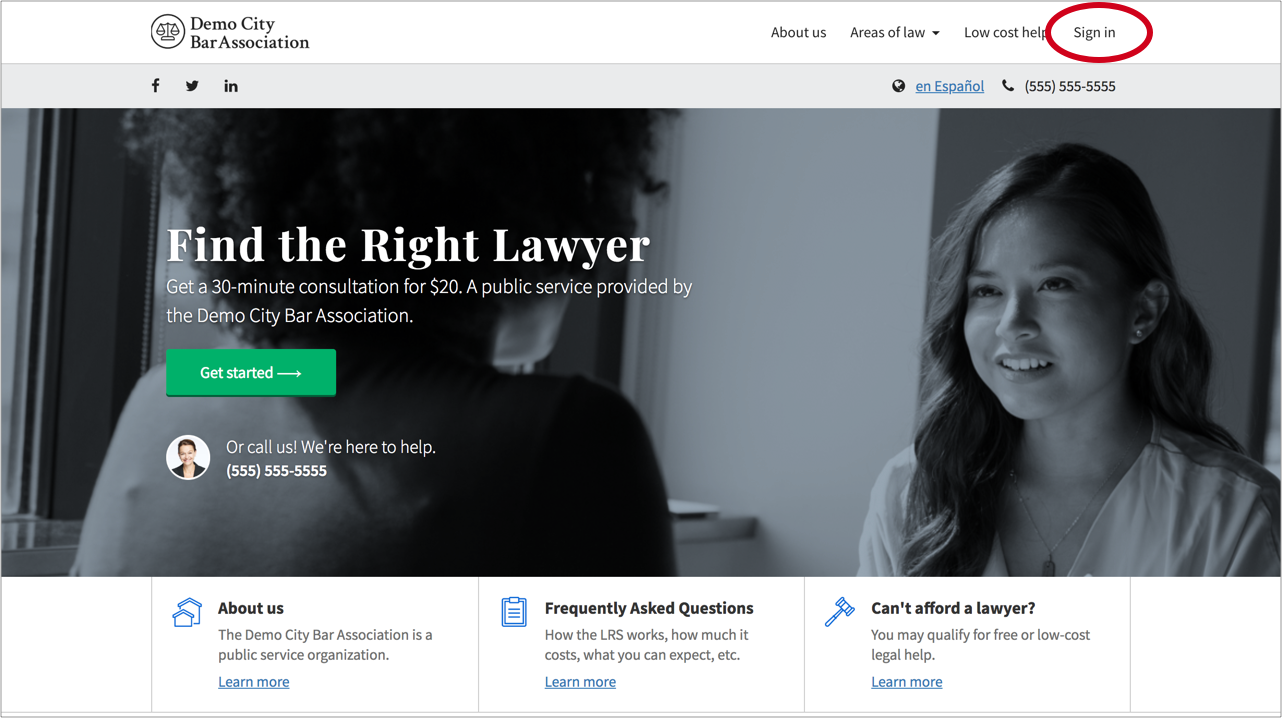
- Go to your LRS portal's homepage and click on the "Sign in" link in the upper righthand corner of the screen:
- Select "click here" under the prompt "Are you an admin?"
- Enter your email and password. If this is your first time logging in, you should have received your temporary password via email from the Community.lawyer team. If you did not, please contact us at [email protected].
- You are now logged into your Community.lawyer lawyer account.
- If this is your first time logging in, we recommend that you update your password. Go the "Account settings" tab and select "edit" next to the "Password" header to do so.